It starts from your night.
Wane draws today from your sleep and the time of day: when you peak, when you dip.
With only an iPhone, it uses your usual hours. Sleep and heart rate variability from Apple Watch make it sharper.
Wane 3.0 for iPhone
Wane turns your sleep and your day into one light that drains and refills. It lives on your Lock Screen. No watch needed.
Free to download. For iPhone with iOS 26 or later.
EXAMPLE · 13:00
68% left today, at 13:00 on an example day.
An afternoon dip is due around 15:15.
How do you feel right now?
An example day. Tap a level: the rest of today moves now, and Wane learns for tomorrow.
Works with
How it works
Wane guesses. You know. Each tap makes the guess yours.
Wane draws today from your sleep and the time of day: when you peak, when you dip.
With only an iPhone, it uses your usual hours. Sleep and heart rate variability from Apple Watch make it sharper.
Full, OK, low or empty. One tap from the widget or Control Center, without opening the app.
The rest of today moves at once. Wane learns your day for tomorrow.
Below 45%, Wane offers one action that fits the hour, with a small, careful estimate marked “~”.
Others: five minutes off screens, slow breathing, water and a stand. A 20-minute nap only after a short night, and only before 15:00.
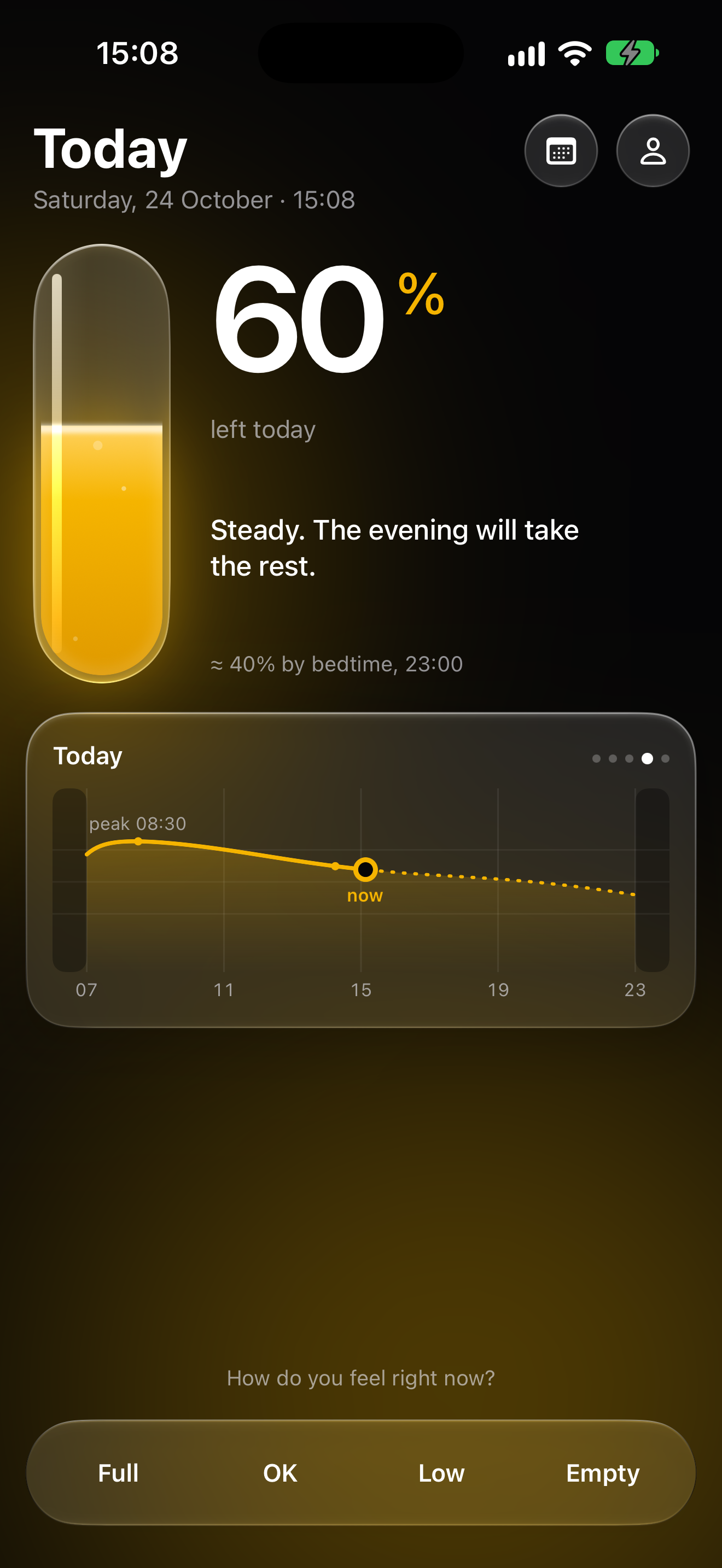
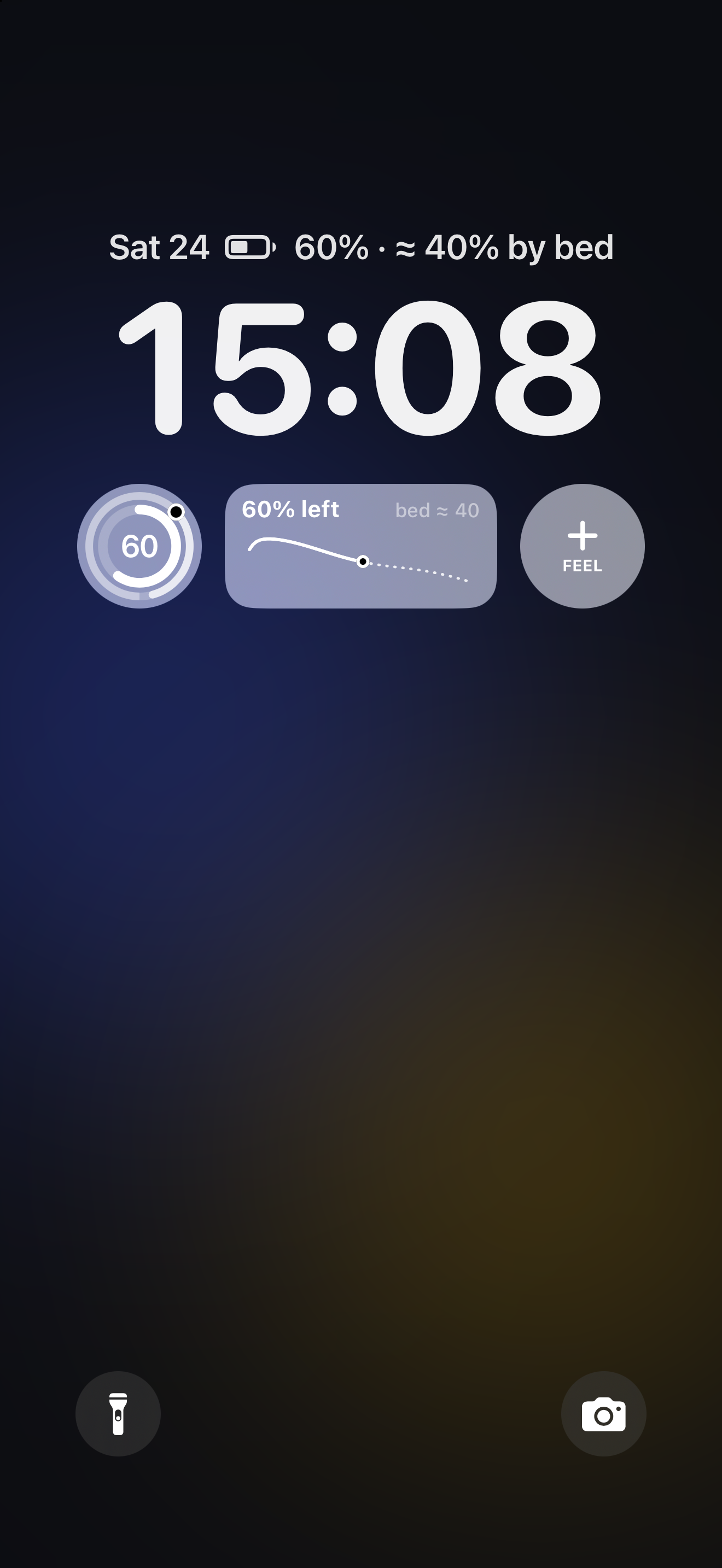
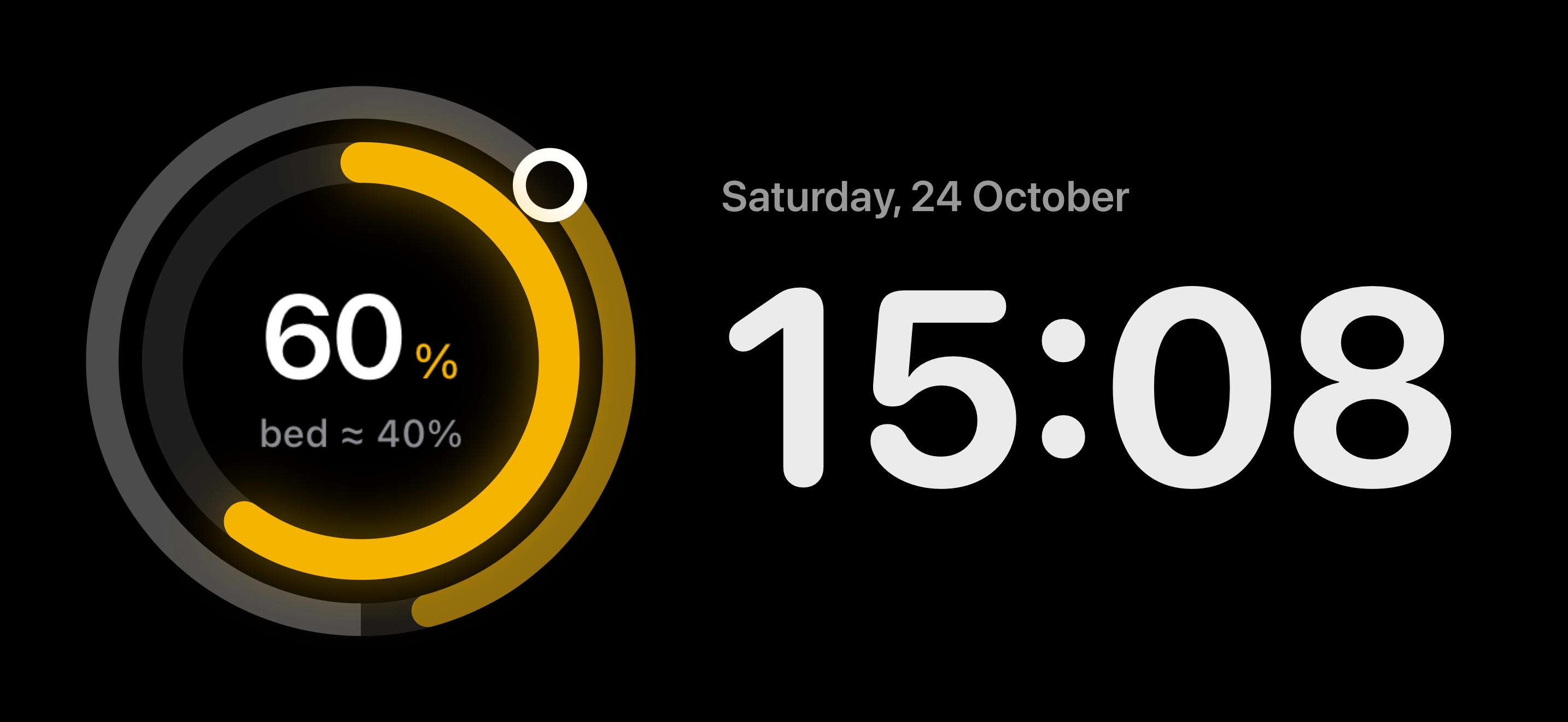
Widgets
The battery drains on its own through the day. Glance, tap, move on.
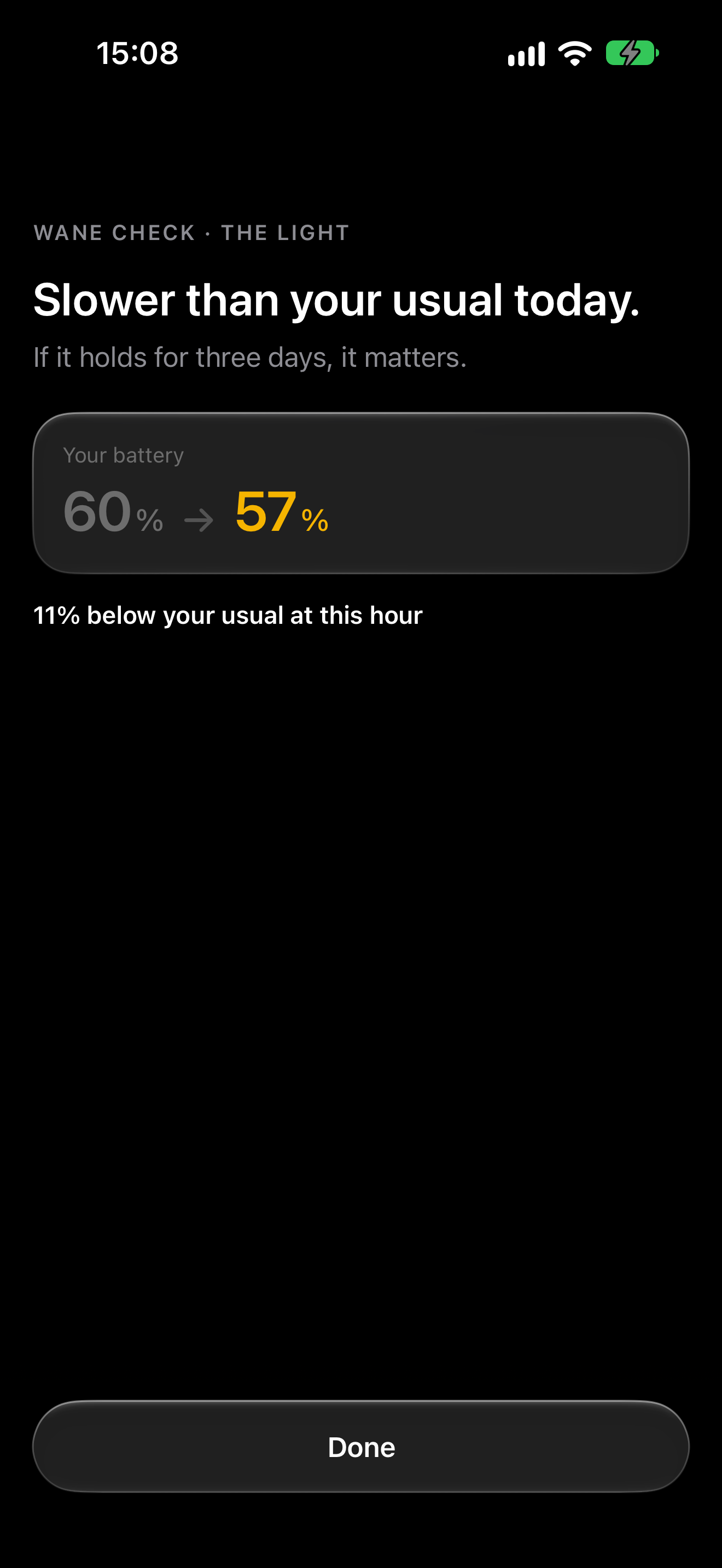
Wane Check
Five short tests that read your reactions in the moment. No wearable needed.
After a few runs, each result is read against your own usual for that time of day, on that phone. Until then, Wane says it is still learning.
A result moves today's battery a little. Wane Check needs an account. It is not a medical or cognitive assessment.
Privacy
The battery is worked out on your iPhone. Here is what leaves it, and what never does.
Event titles and times stay on the device. Only one word — low, normal or high meeting load — goes with Premium's why.
Wane reads sleep, heart rate variability, resting heart rate and activity. It never writes to Health.
Without one, your battery and what it learns stay on this phone. With one, we keep daily health summaries, your taps, the actions you mark done and your Wane Check runs, so a new phone picks up where you left off.
Nothing is sold or used for advertising, and this site has no trackers. Export or delete everything from the app. Encrypted in transit and at rest; not end-to-end, because our server reads your summaries to work out the days ahead and the why.
Questions
No. With only an iPhone, Wane works from your usual wake and bed times, which you set once. If an Apple Watch or another app writes sleep to Apple Health, Wane reads it there. Sleep and heart rate variability from a watch make the battery sharper.
Wane has not been tested in a clinical trial, and we will not claim it has. It starts from a published model of sleep pressure and the body clock, applied to your sleep and your hours.
On day one it is a first guess, and the app says so. Your taps teach it how your day really goes, hour by hour. How Wane works explains the model and which of its numbers come from published research.
No. Wane is a wellness app. It does not diagnose, treat or prevent anything, and Wane Check is not a medical or cognitive assessment. If you are struggling, talk to a doctor.
Calendar is a Premium option, and it asks first. Wane reads meeting times on your iPhone to lay your curve over your day. Titles and times never leave the device. The only thing sent is a level — low, normal or high — used for the why sentence.
Not for the battery, the widgets, the tap or the actions. An account keeps your history and what Wane has learned across phones. Wane Check, Oura and Whoop need one.
Yes. Connect either one from You in the app, with an account. Wane uses its sleep and heart data where Apple Health has none, and never counts a night twice.
Wane is free, with no limit on the battery, the widgets, the tap, today's curve, one action when you run low, and Wane Check. Wane Premium is $3.99 a month or $39.99 a year, with the first week free on both. It adds your curve over your calendar, actions ranked by what refilled you, a why written from your own numbers, and the next 14 days.
In the app: You → Delete account. That deletes your account and the data we hold, as the privacy policy describes. You can export your data first, from the same screen. No app? See account deletion.
Free on iPhone. Add the widget, and check it at a glance.